Hybrid conference: how to keep the online audience watching
Two audiences, one programme. How to set up breaks, sound, slides and hosting so online viewers don't close the tab.
A hybrid conference looks simple on paper. You have a room, you have a programme, and on top of that “we’ll just stream it”. Then the day comes. You’re running between registration, catering and a speaker whose clicker won’t work. And somewhere on the other end sits a person at a laptop, email open in the next window, one click away from leaving.
That’s the whole difference between the two audiences. A guest in the room isn’t going anywhere - they would have to climb over a row of chairs. An online viewer has it easier. This article is about not giving them a reason.
Online viewers aren’t second-class guests
The most common mistake at hybrid events is that the online audience watches the conference over someone’s shoulder. A camera in the back row, sound from a microphone on a table, and slides about as readable as a photo of them taken from the balcony.
The guest in the room has coffee, people around them and the atmosphere. The online viewer has only what you send them. Before you sort out anything else, get three things clear:
- How many people you expect online and how many in the room. That’s how the budget and the attention get split.
- What the online viewer should get. A chance to ask questions? A recording? Materials to download?
- Whether access is free or paid. Anyone who has bought an online ticket expects more. And they’re right.
Programme: shorter blocks, different breaks
An hour-long talk is normal in the room. Online it’s a test of patience, because at home nobody stops anyone from getting up and going to the fridge.
- Split the programme into shorter blocks. Better two half-hour talks with a short discussion than one hour in one go.
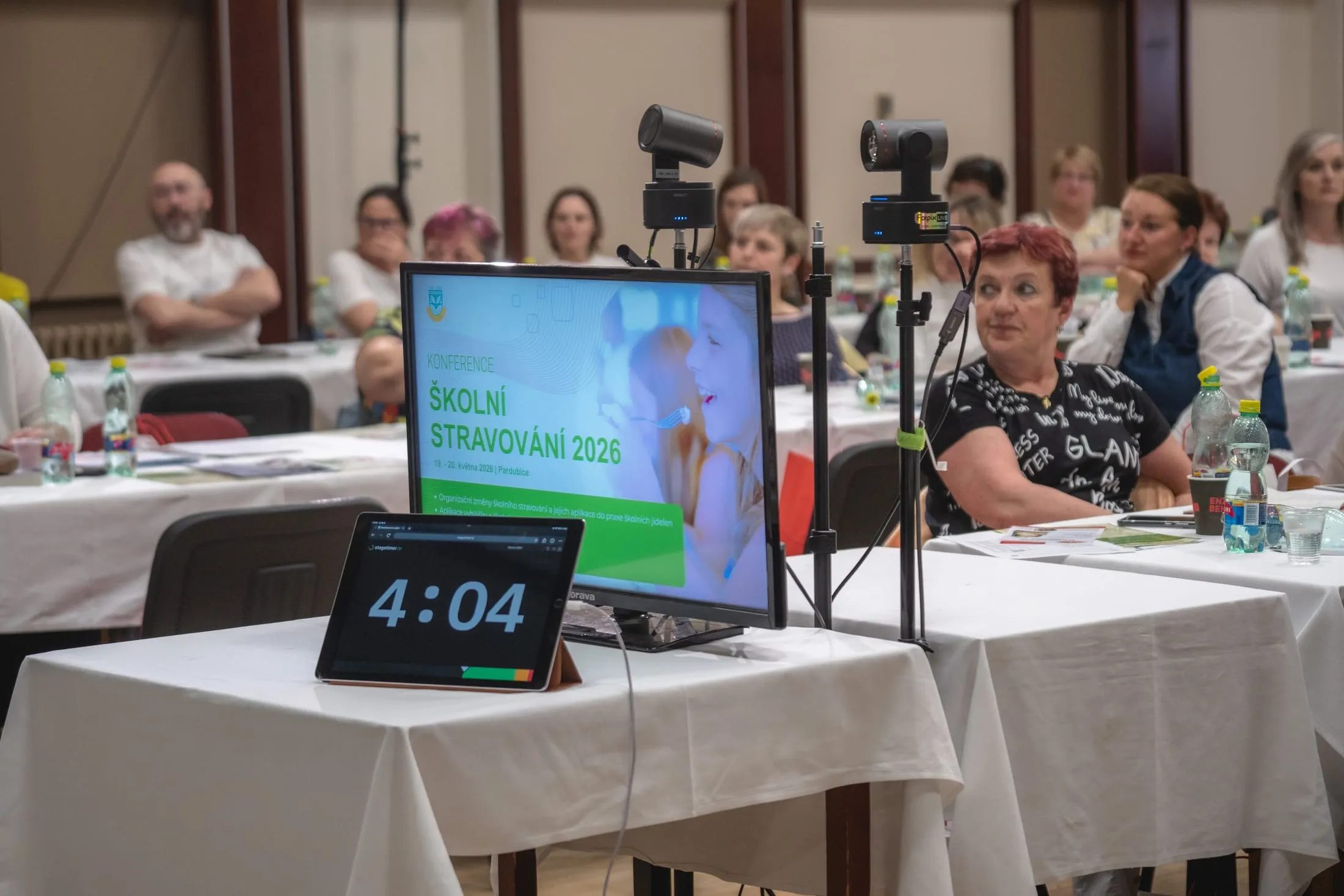
- Watch the clock. A countdown tablet at the edge of the stage shows the speaker how much time is left. It’s the strictest member of the whole crew.
- A break isn’t silence. The room goes for coffee. The online viewer stares at “Back in a moment” for twenty minutes, and then it’s the viewer who doesn’t come back. Fill the break with a trailer for the next block, a short interview with a speaker, or at least a countdown to the restart.
- Announce delays online too. In the room everyone can see you’re waiting for the speaker. Online it looks like the stream has frozen.
Sound matters more than picture
An online viewer will forgive a weaker picture. Bad sound, never. They will sit through a soft camera, but echo and hiss make them close the window.
- A microphone for questions from the floor. Otherwise online they only hear the answer: “Great question, thank you.” The question they can imagine.
- If the microphone doesn’t arrive in time, have the speaker repeat the question. It takes five seconds.
- Sound from the desk, not the camera. If the room has a sound engineer, we take a feed straight from them. A microphone on a camera mostly records coughing from the third row.
Slides for a small window
In the room the slides go up on a screen the size of a garage. Online someone watches them in a window next to a half-written email, and quite possibly on a phone.
- Big type, little text. A table with forty rows is a grey block online.
- Send the slides to the control desk in advance. When the slides run from one place, switching is clean and nobody on screen gets to see the speaker’s desktop with a folder called “final_FINAL_v2”.
- Send any videos from the presentation separately as well. From the control desk they play smoothly and with sound.
- Turn off notifications. A shared screen shares everything that pops up on it.
The host talks to two rooms
A good host at a hybrid event turns to the camera every now and then. Literally.
- Welcome the online viewers right at the start. One sentence is enough: that you know they’re there and where they can ask questions.
- One named person reads the online questions. Ideally not the host, who has enough on their plate with the room.
- Take the first question from online. It shows straight away that those questions really do get read.
- Check the limit on your Q&A tool. Free versions of Slido or Mentimeter cap the number of participants. Better to find out before you send the link to a thousand people.
Remote speakers
A speaker joining over Zoom or Teams is the most fragile point of a hybrid event. They can’t see the room, can’t hear the laughter, and their internet is their internet.
- A test the day before. Camera, microphone, screen sharing. Not five minutes before they go on.
- Headphones. Otherwise the sound from the room comes back to them as an echo.
- Their slides at the control desk. If their video drops, the slides carry on.
Registered isn’t the same as watching
Registering isn’t joining. Between registration and the start there are usually a few weeks, a pile of work and a link that has meanwhile sunk somewhere in an inbox.
- A reminder the day before and just before the start. With a link that only needs a click.
- A calendar invitation. If it isn’t in the calendar, it doesn’t exist.
- Say in advance whether there will be a recording. Some people will then watch later. That isn’t a failure, just bear it in mind when you read the numbers.
Guest Wi-Fi won’t carry a broadcast
Wi-Fi in a full room goes down almost every time. Not because it’s bad, but because two hundred phones join it the moment the host says the first word. The stream must not depend on it.
Ask the venue for a separate wired line for the broadcast, not the Wi-Fi password. And if nobody is sure about it, we bring our own connection. How individual venues compare, we covered in the best venues in Prague for hybrid conferences.
Where to stream
- YouTube. Free, and it copes with a large audience. Just be careful: an unlisted link can be watched by anyone it gets forwarded to.
- A player with registration or a password. When you want to know who is watching, or to charge for access.
- Microsoft Teams. For internal events. Teams Live Events were retired on 30 June 2026 and new ones can no longer be scheduled, so you broadcast through a town hall. If you’re working from last year’s instructions, go over them again.
After the event, the second half starts
- Cut the recording into individual talks. At the Institute of Modern Nutrition conference every talk has its own edited recording. Anyone looking for one speaker does not have to scrub through the whole day.
- Track concurrent viewers, not views. From 24 August 2026 YouTube counts a view as soon as a video starts playing. The number looks nicer, but it doesn’t tell you how many people really sat through the broadcast. The peak number of viewers at the same moment is more honest.
- Ask the online viewers separately. They were at a different event from the room, even though it was the same one.
A cheat sheet for the final week
- Running order with breaks, sent to the speakers and the control desk
- Slides and videos at the control desk the day before
- A test with the remote speakers
- A microphone for questions from the floor, and someone to carry it
- Who reads the online questions, and with which tool
- A separate line for the broadcast
- A reminder to registrants the day before and before the start
- The recording agreed: in what form and when you want it
Once all that’s in place, the only thing left to sort out on the day is the clicker.
What it looks like in the room
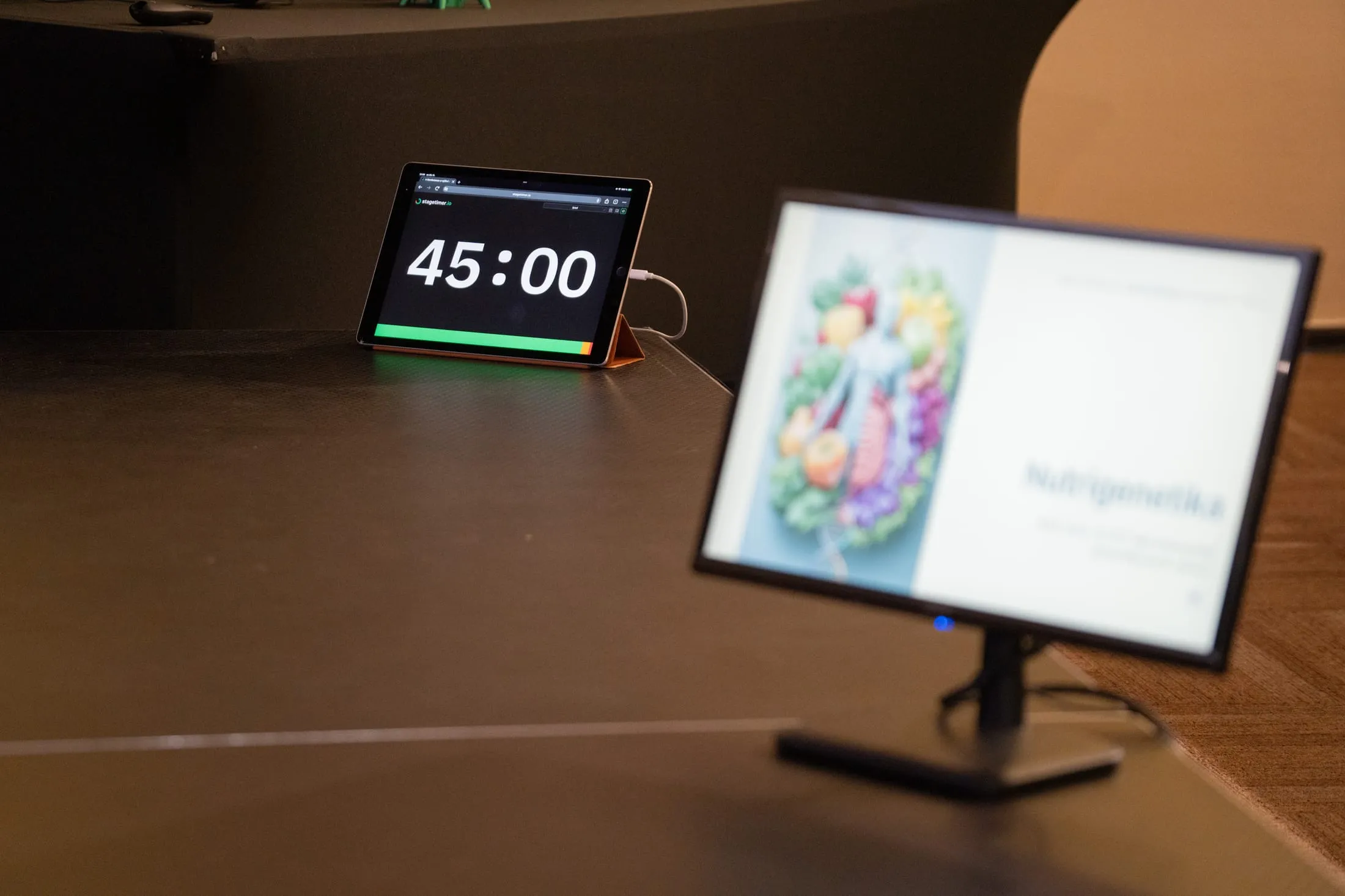
Forty-five minutes and that's it. The tablet doesn't negotiate with speakers. 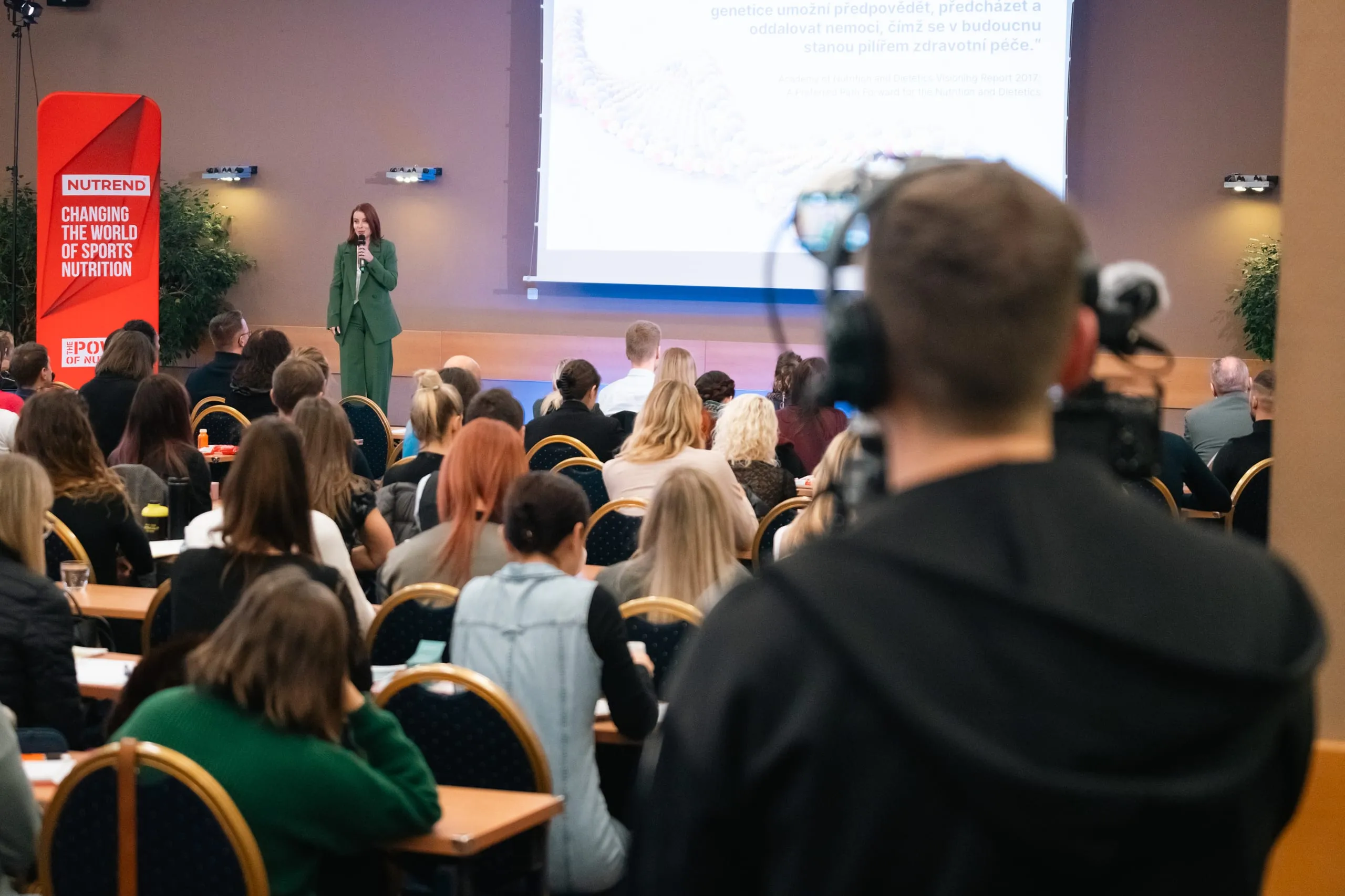
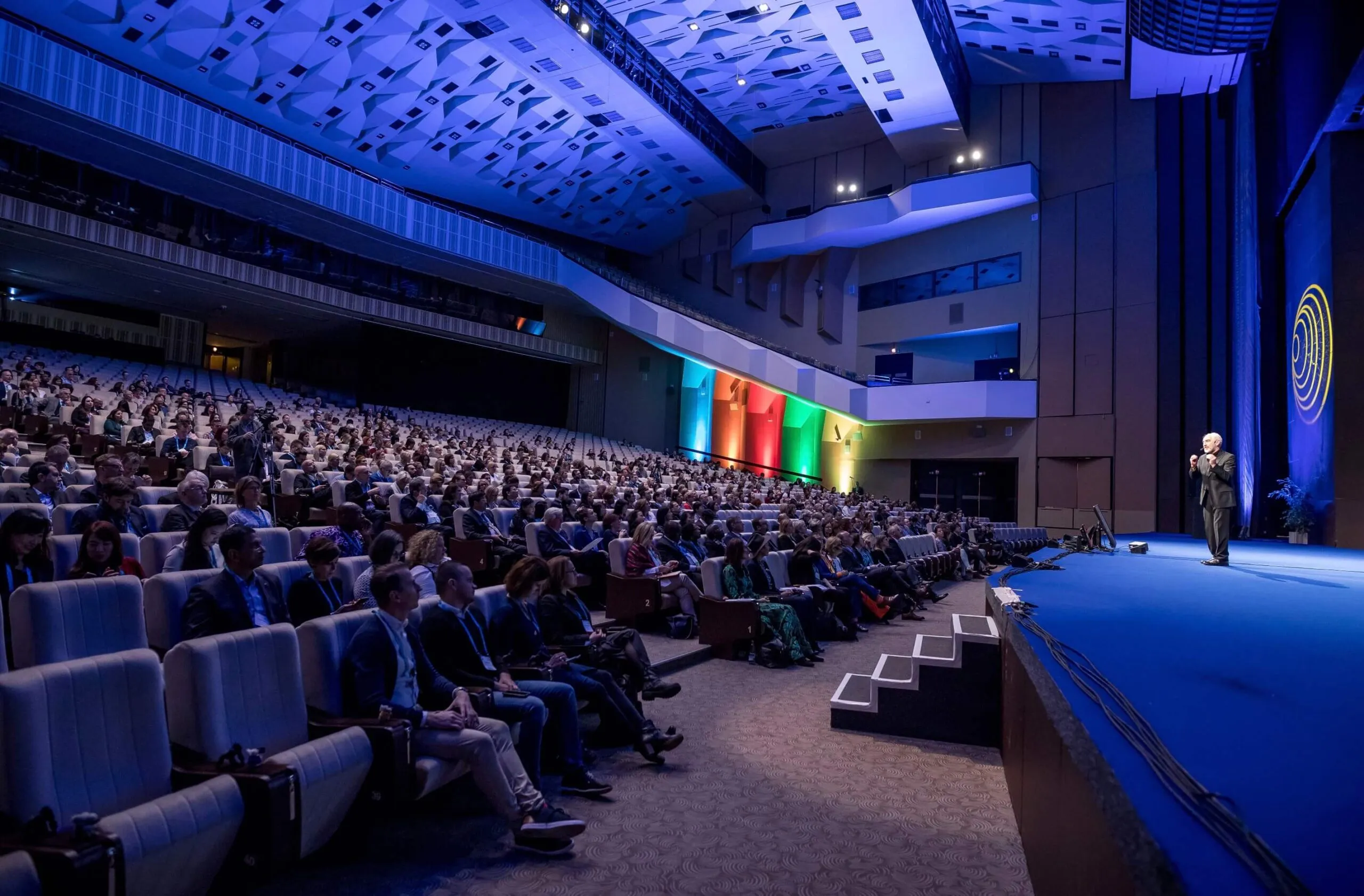
One talk, two audiences. The second one is sitting on the other side of the camera.